What is Microsoft 365 Copilot?
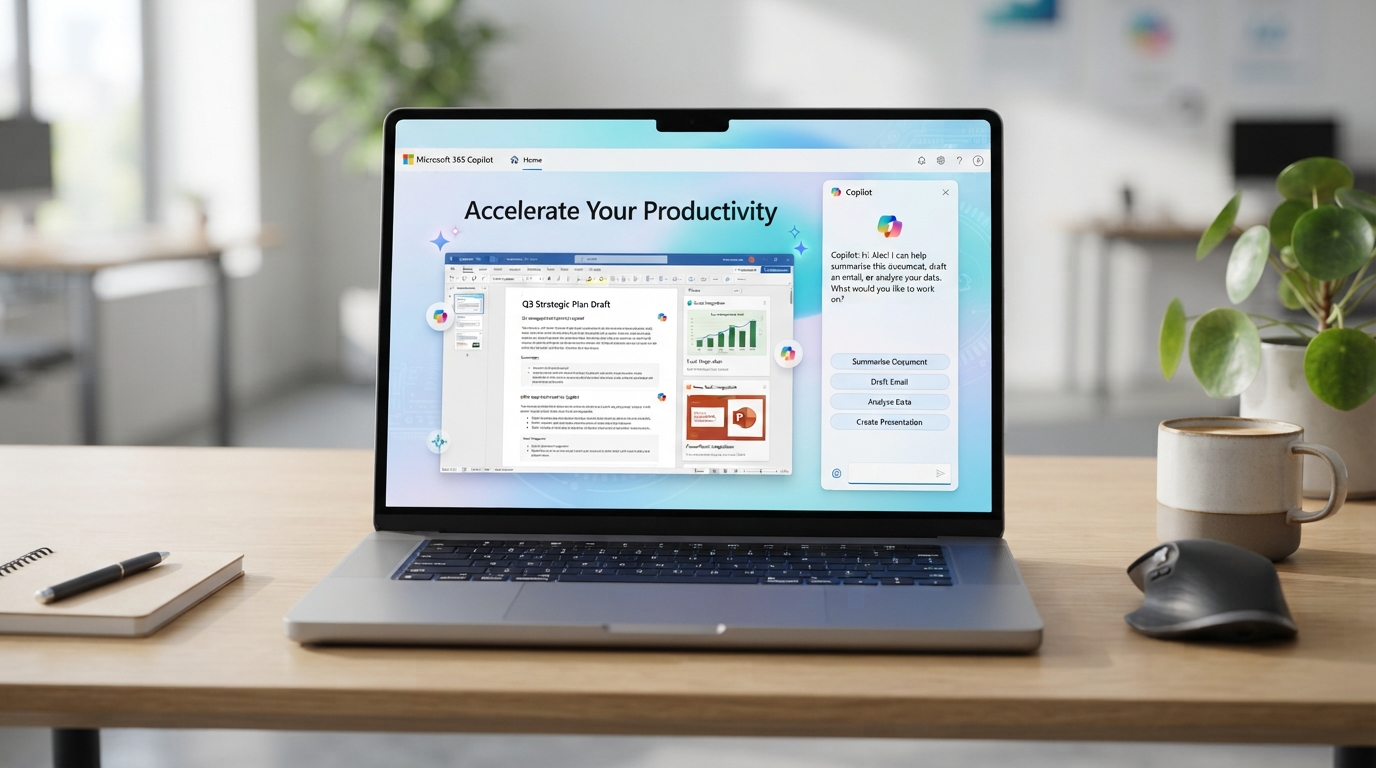
Microsoft 365 Copilot is an AI assistant that works alongside you to enhance your work experience. It's like having a brilliant colleague always ready to help you tackle tasks and find creative solutions.
The latest updates: Introducing agents
Microsoft 365 Copilot is constantly evolving and improving based on user feedback. The latest updates include introducing agents and AI assistants designed to automate and execute business processes. From simple tasks like scheduling meetings to more complex ones like customer service, agents can help reduce costs and increase efficiency.
How Microsoft 365 Copilot Boosts Your Outlook
Microsoft 365 Copilot isn't just for complex tasks; it also makes managing your emails in Outlook a breeze. Here's how:
Email Summarization
Copilot can quickly summarize long email threads, allowing you to grasp the key points without reading through every message. This saves you time and ensures you never miss important information.
Automated Responses
With Copilot, you can generate quick, context-aware email responses. Whether it's a simple acknowledgment or a detailed reply, Copilot helps you maintain efficient communication.
Meeting Scheduling
Copilot can seamlessly integrate with your calendar to schedule meetings. It checks availability, suggests optimal times, and sends out invites, all with minimal input from you.
Task Management
Copilot can convert emails into tasks and add them to your to-do list. This ensures that action items from your emails are tracked and completed on time.
By integrating these features into Outlook, Microsoft 365 Copilot helps you manage your inbox more effectively, allowing you to focus on what truly matters.
Four reasons to choose Microsoft 365 Copilot for your business
- Increased productivity: With AI handling tasks like image creation and data analysis, you and your team can concentrate on high-priority tasks that drive results.
- Time-saving: No more spending hours on repetitive tasks or waiting for others to complete them. Copilot can do it faster and more efficiently.
- Cost-effective: AI can help you save money in the long run by automating processes and reducing the need for additional staff.
- Continuous improvement: As Microsoft continues to update and enhance Copilot based on user feedback, you can be sure that you're always getting the best possible experience.
Discover how Microsoft 365 Copilot, the AI-powered productivity assistant, transforms the workplace.
Real-world examples of Copilot in action
AI assistant can also help you analyze large amounts of data in Excel. If you have a spreadsheet with hundreds of customer feedback responses, it can quickly identify the main themes and present the data in a clear, easy-to-understand format. This allows you to make informed decisions quickly and confidently.
Imagine you're writing a report and need to include eye-catching images. With Copilot, simply describe what you want, and it will generate multiple options for you to choose from. No more spending hours searching for the perfect image or waiting for a designer to create one.
For teachers, Copilot can be a game-changer. Creating quizzes, ice breakers, and fun trivia has never been easier. Copilot can generate draft questions based on your specifications, giving you more time to focus on engaging with your students.