
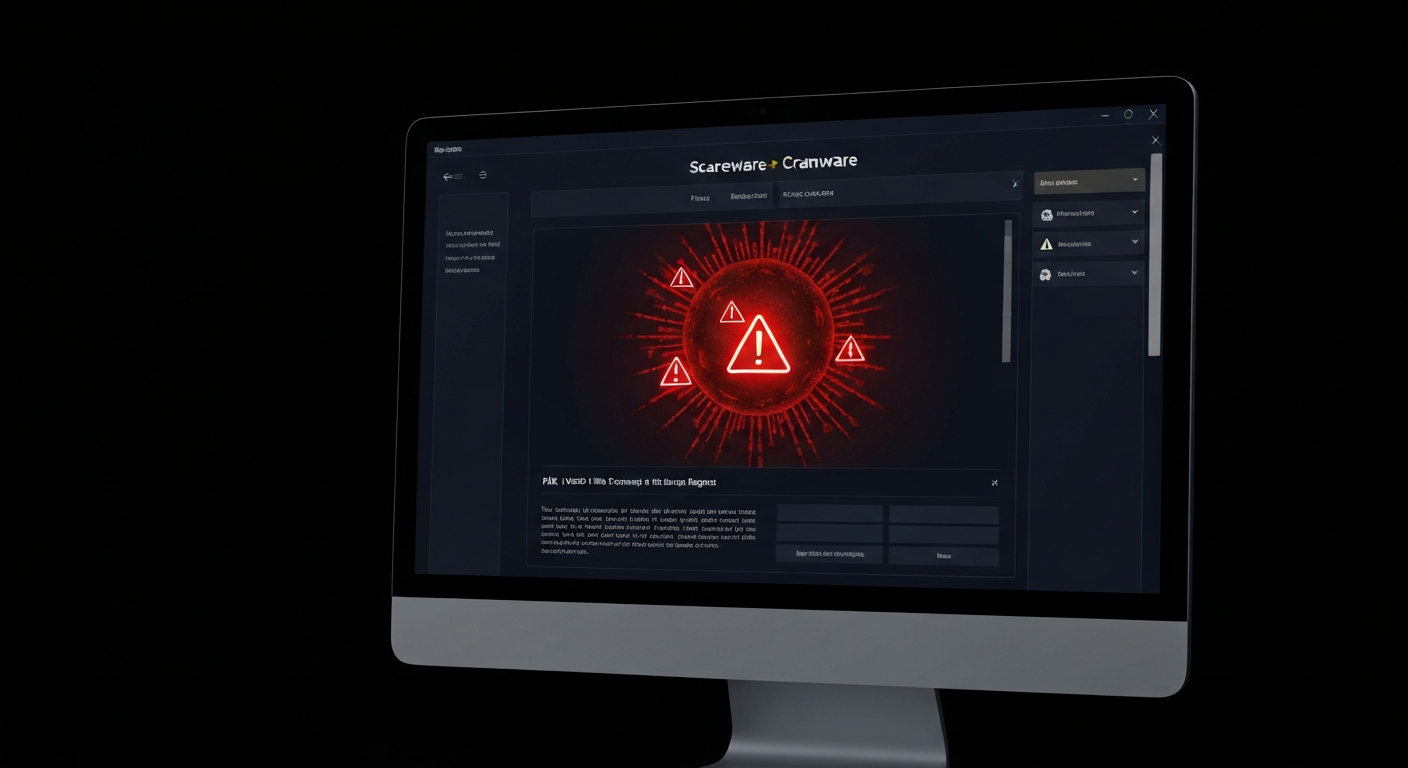
Scareware: How Cybercriminals Manipulate You Into Paying
Scareware is one of the oldest and most effective tools in the cybercriminal's playbook. Unlike sophisticated ransomware that encrypts your files, scareware doesn't need to compromise your system at all — it just needs to frighten you into believing it has. And terrifyingly, it works.
What Is Scareware?
Scareware is a form of malicious software — or simply a deceptive webpage — that displays alarming false warnings designed to panic users into taking an action they wouldn't otherwise take. Common examples include fake antivirus alerts claiming your computer is infected with hundreds of viruses, fake 'Microsoft support' popups claiming your system is locked, and fake warnings that your banking information has been stolen.
How Scareware Works
- You visit a compromised website or click a malicious ad.
- A convincing popup appears claiming your computer is severely infected.
- The alert may include fake scan animations showing hundreds of 'threats found.'
- You are urged to call a phone number or click a link to 'fix' the problem immediately.
- If you call, you are connected to a fraudulent 'tech support' agent.
- The agent either charges you for fake services or gains remote access to steal real data.
⚡ Important: Legitimate security software from Microsoft, your antivirus vendor, or EZETech will NEVER ask you to call a phone number displayed in a browser popup. If you see this, close the browser — do not call.
Real-World Scareware Red Flags
- A browser popup that you cannot close normally.
- Urgent language: 'Your computer is infected!' 'Call NOW!' 'Do NOT restart your computer!'
- A phone number to call for 'Microsoft' or 'Windows Support' in the popup.
- Fake scan animations showing virus detections.
- Audio playing through your speakers urging you to act immediately.
- The popup makes it look like your desktop is locked.
What to Do If You Encounter Scareware
- Do NOT call any phone number displayed in the popup.
- Do NOT click any buttons inside the popup — use Alt+F4 or Task Manager to close the browser.
- If you cannot close it, force-restart your computer.
- Run a scan with your legitimate, installed antivirus software.
- If you already called and gave remote access, contact EZETech immediately for an incident response.
"Scareware is pure psychological manipulation. The moment you feel panic, slow down — that panic is exactly what the attacker designed into their trap."