Recent Microsoft Windows 11 Issues: What You Need to Know
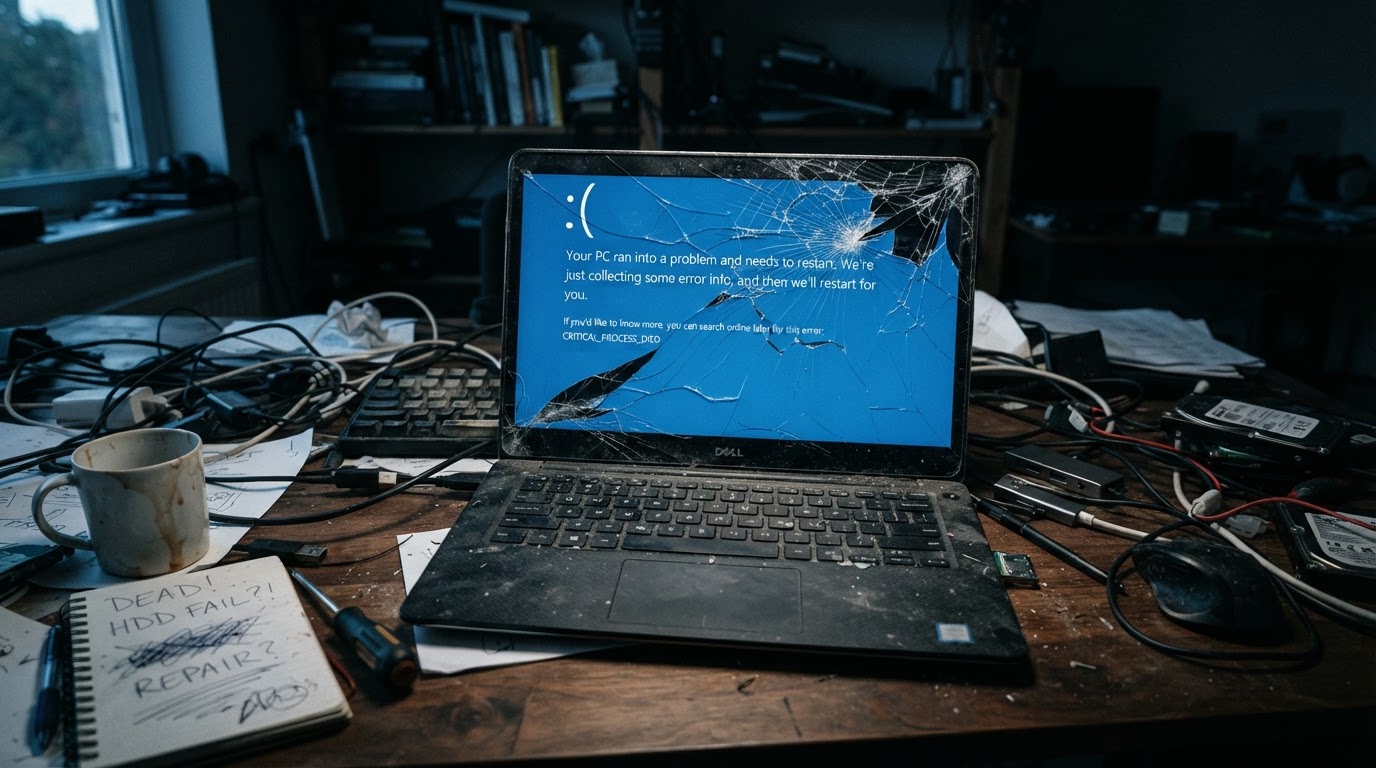
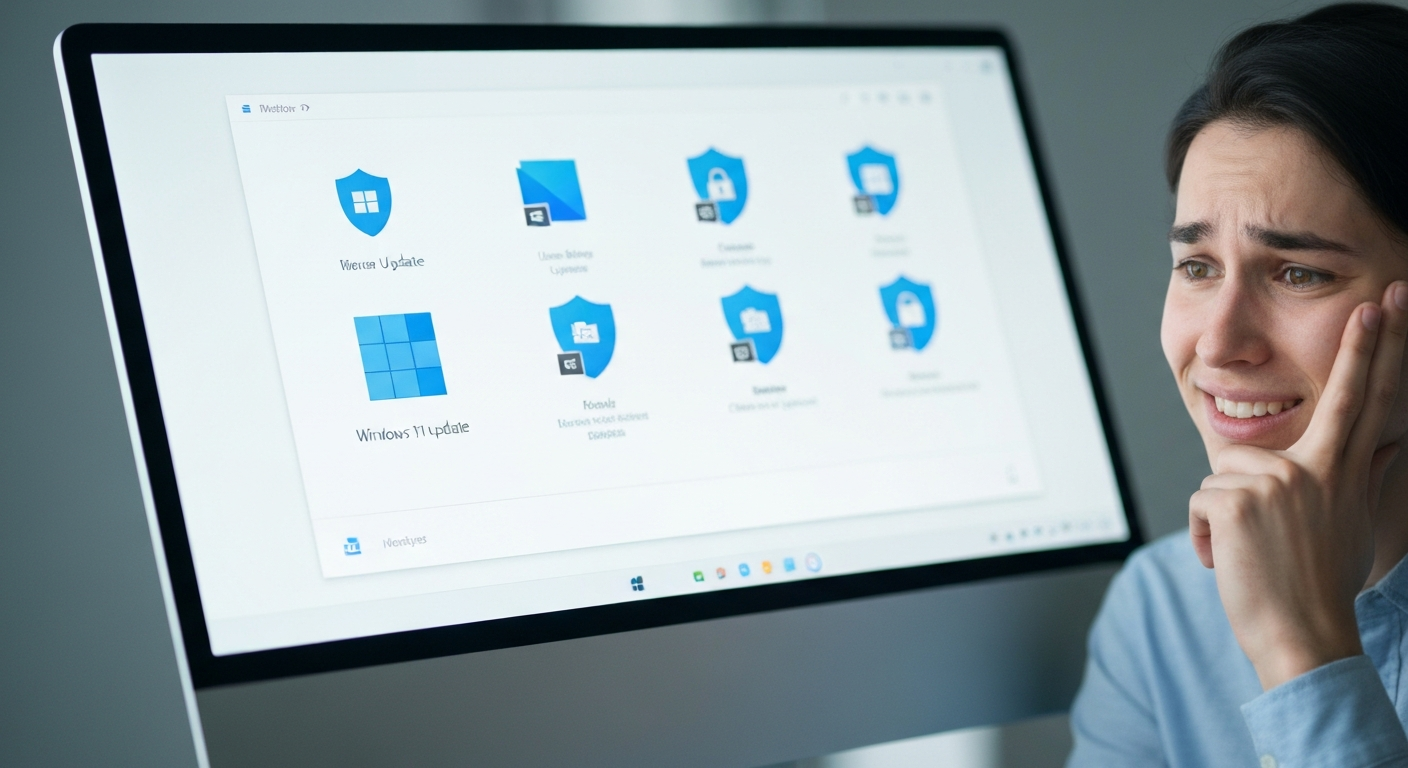
Windows updates are essential for security. However, sometimes updates can introduce unexpected glitches that disrupt day-to-day work—especially for small businesses that depend on email, cloud storage, and remote access.
If your computer has been acting strangely lately, you’re not imagining it. The good news: most update-related problems are fixable with the right approach.
Common Windows 11 Update Symptoms
Not every environment is affected the same way, but these are some of the most common “something changed after the update” complaints we see:
1) Shutdown, Sleep, or Hibernate Problems
- PC won’t fully shut down
- Sleep/hibernation fails or behaves inconsistently
- Laptops drain battery faster because they never truly sleep
2) Remote Desktop (RDP) and Login Issues
- Remote Desktop login failures
- Users can’t access office PCs while traveling or working from home
- IT support can’t reliably remote in to assist
3) Outlook Instability (Crashes, Freezing, Sync Oddities)
- Outlook freezes or fails to open
- Email sync delays
- Unexpected re-downloading of older messages
Important: If Outlook data files (like PSTs) are stored/synced through cloud storage tools, troubleshooting needs extra care to avoid data corruption or duplicate sync behavior.
What You Should Do (Practical Next Steps)
Step 1: Document what changed
- When did the issue start?
- Which device(s) are affected?
- Is the issue tied to one user profile or all users?
Step 2: Check update status (and avoid random rollbacks)
If your first instinct is to uninstall updates: pause. Rolling back the wrong update can create new issues or leave security gaps.
Step 3: Prioritize business-critical functions
- Get email stable first (Outlook/Microsoft 365)
- Restore reliable remote access (RDP/VPN/secure tools)
- Then address shutdown/sleep/performance issues
Step 4: Move toward managed patching
For businesses, a “test first, roll out second” patch approach can reduce surprises. A small pilot group can catch issues before they hit everyone.
How EZETech Can Help
EZETech supports small businesses with practical, security-first Windows support. If Windows 11 updates are causing disruptions, we can help you get back to normal fast.
What we do
- Root-cause troubleshooting: confirm whether the issue is update-related or a deeper system problem
- Outlook & Microsoft 365 stabilization: crashes, freezes, sync issues, mailbox and data-file best practices
- Remote access reliability: Remote Desktop troubleshooting and safer remote-work configurations
- Patch management guidance: reduce the risk of “surprise outages” from future updates
- Security alignment: keep devices protected while restoring stability
Experiencing Issues After a Windows Update?
If your PC has been crashing or freezing, having trouble with Outlook or Microsoft 365, failing Remote Desktop logins, or acting strangely after an update, Contact EZETech and we’ll help you stabilize your systems without sacrificing security.
Need Help Right Now? If Windows updates are disrupting your business, don’t lose another hour to crashes, slowdowns, or email issues. Get expert help fast with EZETech’s responsive support for small businesses—from computer repair to cybersecurity and compliance-focused IT.
Bring your device in: 1597 SE Port Saint Lucie Blvd., Port St Lucie, FL. Prefer remote help? With internet access, our team can assist your business from virtually anywhere, troubleshooting and resolving issues faster. Call us at (772) 237-7732.